
Studio workshop
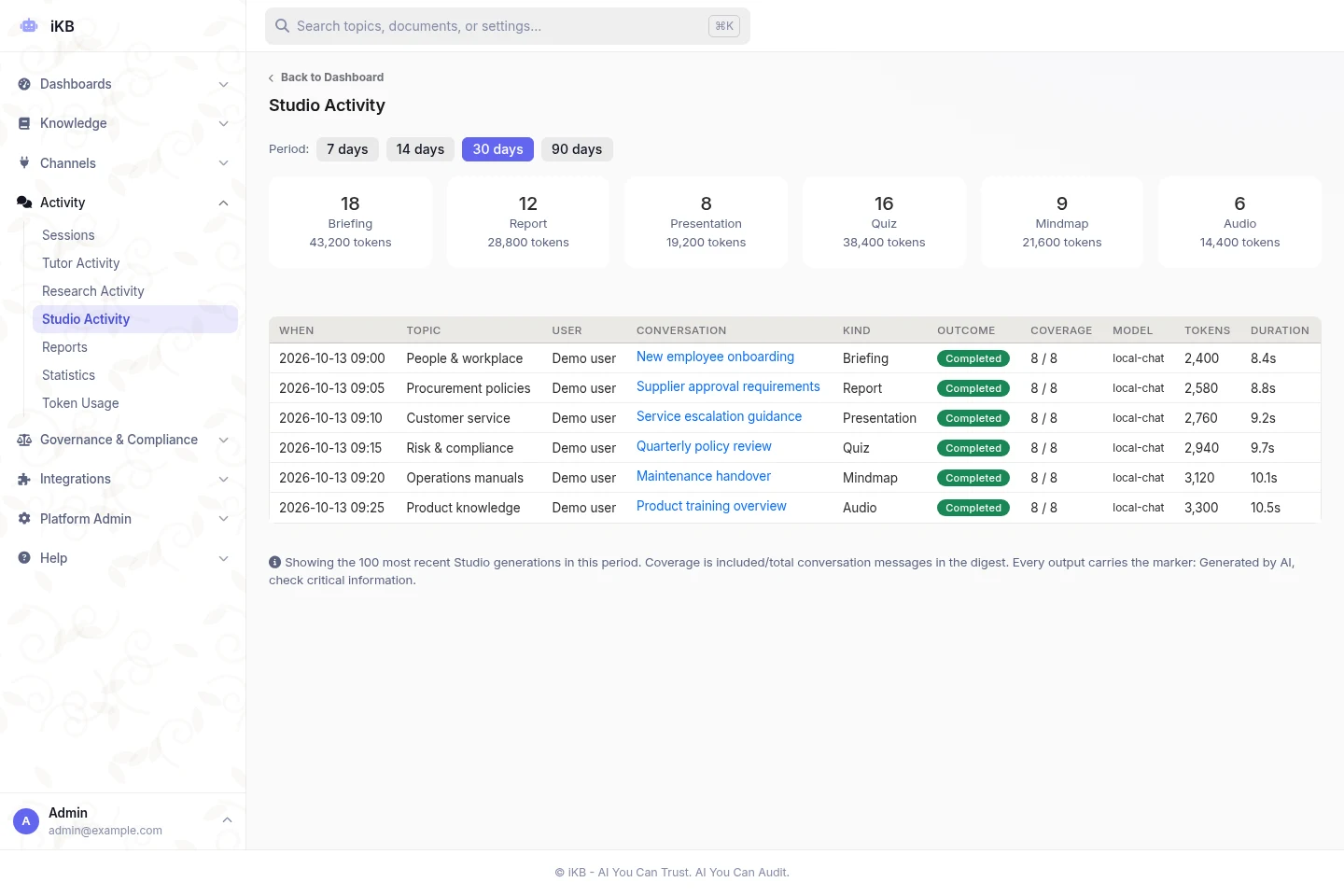
Create briefs, action plans, timelines, process maps, slides, mind maps, quizzes, audio overviews, visual stories, knowledge-article drafts, evidence checks and data tables. Image creation is available where configured.
Create versioned briefs, reports, presentations and learning materials. Reuse your brand and keep the supporting sources available.
Work from the conversation and the approved knowledge available to the topic.
Adjust audience, purpose, language and detail, then review and revise the stored version.
Export supported documents in your brand for a briefing, meeting, training session or review.
Create briefs, action plans, timelines, process maps, slides, mind maps, quizzes, audio overviews, visual stories, knowledge-article drafts, evidence checks and data tables. Image creation is available where configured.
Revise an artifact, inspect its versions and restore earlier work. Tune audience, purpose, detail, language, tone, focus and evidence presentation.
Reuse supported topic or platform logos, colours and typography in Word, PDF, PowerPoint and Excel exports. Keep generated outputs together with uploaded sources in the conversation artifact library.
Use layouts for titles, bullets, figures, statistics, tables and closing slides. Long content can continue onto additional slides; supported charts remain editable PowerPoint charts.
Set quiz quantity and difficulty, with source-based explanations and distractors. Adjust mind-map depth and audio length; audio styles include readable transcripts. Streaming text-to-speech supports audio delivery.
Create flows, comparisons and KPI-style visuals using platform-owned layouts. Visual Story exports derive from the stored artifact version so exported copies stay aligned.
Include clickable links, formatted table cells, nested and restarted numbered lists, and a populated table-of-contents field. Supported charts, diagrams and infographics can render on the server when browser capture is unavailable.
Use an administrator-selected image model with topic scope checks and generation controls. Generated images stay with the conversation and its artifacts.
Audited file exports continue after a tab closes. Supported browsers can receive notifications for long responses, Studio jobs and exports, including after the page closes, when configured and permitted.
Availability depends on topic permissions, platform configuration, supported models and deployment. Confirm the required workflow with representative sources during evaluation.
Bring representative sources, a useful business question and the controls your organisation needs.